 Photo · Qeis Ismail / Unsplash
You bought one CPU. Maybe ten cores, if you're feeling fancy. And right now, while you read this, your laptop is running — count with me — Safari, Mail, Spotify, Slack, Calendar, Notion, Bluetooth, Wi-Fi, the clipboard manager, the screenshot tool, an antivirus, a backup daemon, a cloud sync, four little menubar things you forgot installing, and three hundred more processes you've never heard of.
How? You have ten cores. There are five hundred things wanting to run. Each thinks it owns the machine.
Standing between every one of them and the actual silicon is a single piece of software — bigger than all the rest combined — whose entire job is to tell beautiful, expedient lies. It is the operating system. And once you understand what it really does, half of the mystery of "computers" evaporates on the spot.
Three jobs, in order of importance
Strip every operating system to its essentials and you find three things. macOS does them. Windows does them. Linux, iOS, Android, the firmware in your microwave, the realtime kernel inside a fighter jet — they all do these three:
- Schedule. Decide which process gets the CPU next, and for how long. Switch between them faster than you can perceive.
- Isolate. Give each process the illusion that it has the whole machine. Stop them stepping on each other's toes — accidentally or maliciously.
- Mediate. Be the only piece of code that talks to the hardware. Filesystems, network, GPU, microphone, printer. Every program that wants any of those goes through the OS.
 Photo · Loris Boulinguez / Unsplash
Hundreds of processes, ten cores, one shared bus. Every step you take through your phone is the OS waving traffic.
Scheduling — the lie of simultaneity
You have far more processes than cores. The OS solves this with a sleight of hand: it gives each process a tiny time slice — typically a few milliseconds — then yanks the chef away mid-task and gives the same chef to a different process. Then another. Then another. Loop.
The chef is doing one thing at a time. To you, sitting in front of the screen, it looks simultaneous. Concurrent, not parallel. Real parallelism happens only across cores; what looks parallel on a single core is the OS context-switching ten thousand times a second and lying convincingly.
Single CPU · 4 processes · 16 time slices
Each row is a process. Blue means it's the one running on the chef's burner this instant. Pale grey means it's queued, ready to go. Pink means it's blocked — waiting for something else (a network packet, a disk read, a key press) before it can do anything. Blocked processes don't waste time slices; the OS skips them until the thing they're waiting for arrives.
This is why your laptop feels responsive when typing even though something heavy is "running" in the background. The heavy job spends most of its slices doing actual work; your text editor spends most of its slices blocked on the keyboard. The instant you press a key, it unblocks, gets the next slice, and your character appears within milliseconds.
Isolation — the lie of ownership
Every running program believes it has the whole RAM to itself, starting from address zero. Every program. Right now, every process on your laptop has its own private "address 0x1000". They don't collide. Why?
Because the OS, working with the CPU's memory management unit, lies about where memory is. When Safari asks for "address 0x1000", a tiny hardware unit silently translates that into "physical RAM address 0x7FE2A4_1000". Spotify's "0x1000" lands at a completely different physical address. They literally cannot reach each other unless the OS lets them.
This trick is called virtual memory. It's also how your laptop runs programs that need more RAM than you have — pages that haven't been touched recently get quietly shoved out to the SSD (the dreaded swap from Week 1). When the program touches them again, the CPU triggers a hardware page fault, the OS catches it, brings the page back from disk, fixes up the tables, and resumes the program without it ever noticing.
Mediation — the kernel and userland
Modern CPUs have at least two privilege levels. Ring 0 (also called "kernel mode" or "supervisor mode") can do anything: talk to disks, configure the MMU, mask interrupts. Ring 3 ("user mode") cannot. Almost all your code — Safari, Spotify, your text editor, this very Python script — runs in ring 3.
When a userland program needs to do something privileged — read a file, send a network packet, allocate a fresh page of memory — it cannot just do it. It must ask. It executes a special instruction that triggers a controlled jump into ring 0, with the CPU briefly handing the keys over. The kernel inspects the request, decides whether to allow it, does the work, and hands control back. This is a system call, or "syscall". Linux has about 350 of them. Open. Read. Write. Close. Mmap. Fork. Exec. Almost everything you have ever done with a computer is, at the bottom, a syscall.
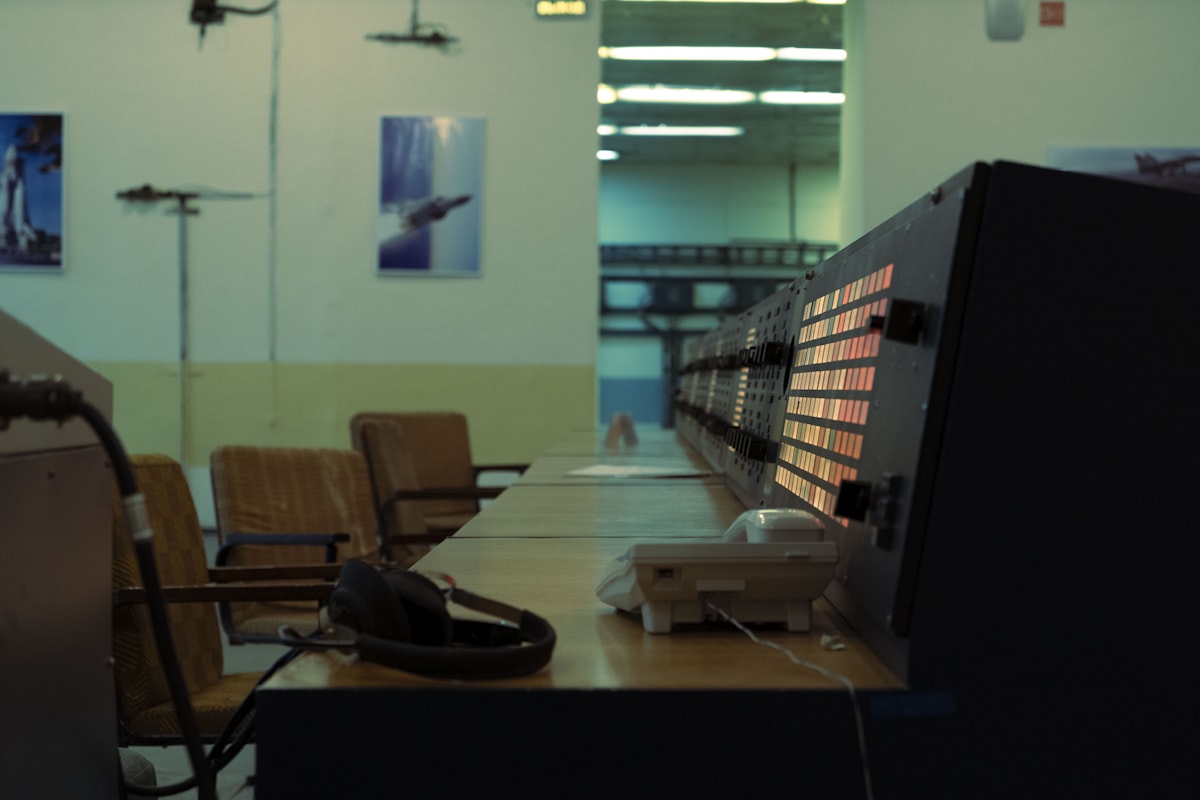 Photo · Igor Saikin / Unsplash
The kernel is the dispatcher. Every device, every process, every interrupt funnels through one place — and that place is jealously protected.
Why this matters for AI
Training a large model is, from the OS's perspective, a single ring-3 process making syscalls every few milliseconds — open this file, mmap that file, allocate ten gigabytes of RAM, send these bytes to the GPU, wait for an interrupt, repeat. The kernel never sees a number being multiplied. It just shovels.
That's the contract. The OS is responsible for orchestration; the application (and the GPU it talks to) is responsible for computation. When AI workloads got 1000× bigger in five years, the OS itself barely changed. The orchestration was already general enough.
"Compatibility" is the OS's only currency. Nothing breaks. Ever. That's the deal it has with every program ever written.
Try it yourself
Watch the cop work:
- macOS — open Terminal, run
sudo dtruss -p $(pgrep -n Safari) 2>&1 | head -50. Each line is a syscall Safari just made. (Press Ctrl+C to stop.) - Linux —
strace -p $(pidof firefox) 2>&1 | head -50for the same view. - Anywhere — Activity Monitor (Mac) or Task Manager (Windows). Sort by "Process ID". Notice you have hundreds. The OS is juggling all of them.
- Run
uptimein a terminal. The "load average" numbers are roughly "how many processes wanted CPU on average over the last 1, 5, 15 minutes". On a 10-core machine, anything under 10 means the cop has slack. Over 10 means there's a queue.
What's next
You now understand the chef, the pockets, the catalogue, and the cop. But all of it lives on a single piece of fibreglass with copper traces — the motherboard — and the speed of light is a real, painful constraint. How does data physically travel from your SSD, through your CPU, out to your monitor?
Week 06 is Motherboards & Buses — the highways of computing, why your phone's data has to physically travel less than three centimetres, and what "PCIe lane" really means.
Photo credits
All photos are free under the Unsplash license. Traffic cop · Qeis Ismail · Crossing · Loris Boulinguez · Control room · Igor Saikin. Schedule strip, ring diagram are CSS / inline SVG.