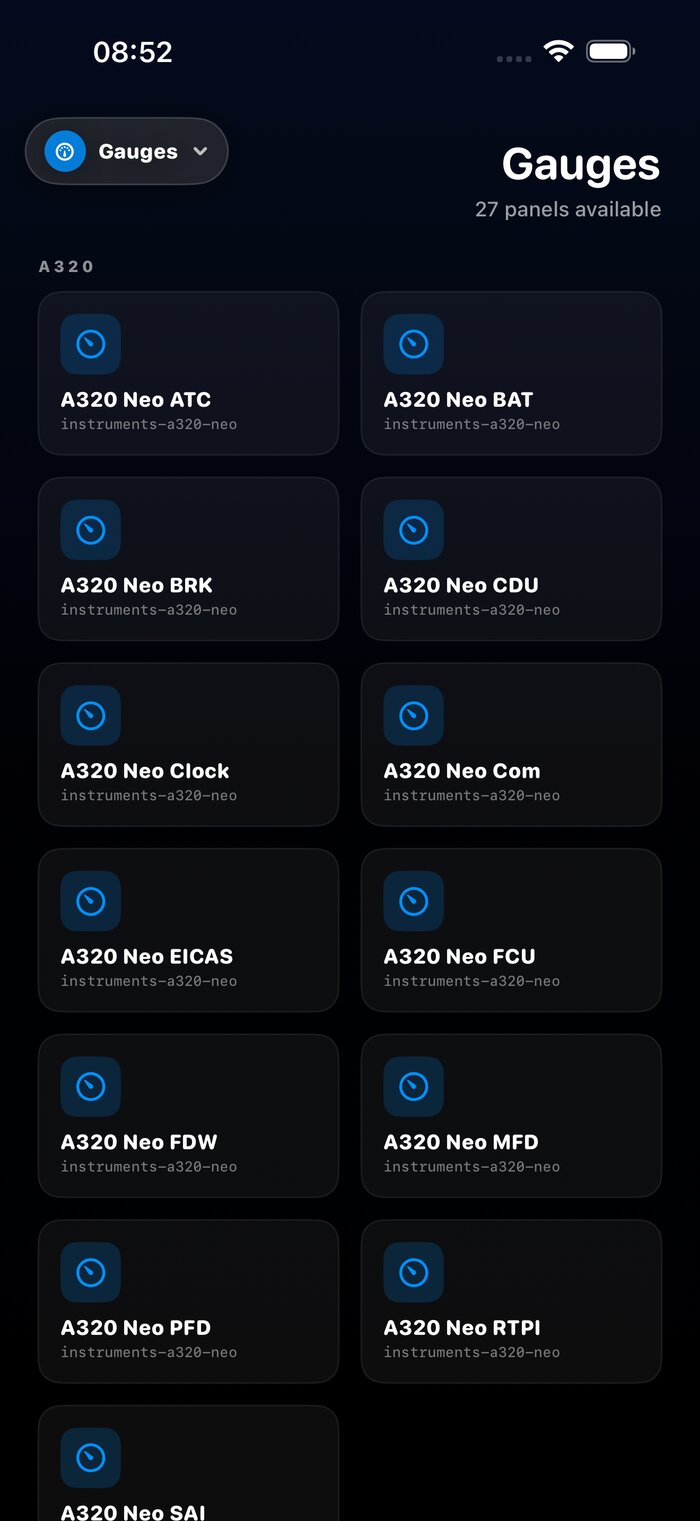
Live MSFS Cockpit Panels
Real Airbus and Boeing instrument panels rendered live alongside your sim — PFD, ND/MFD, EICAS, MCDU, FCU, SAI for the A320 Neo, 737 MAX, 747-8 and 787-10. SimConnect variables stream over UDP at ~10 Hz.
FSXFollow streams real MSFS instrument panels live to iPhone, iPad and Mac — Airbus A320 + Boeing 737/747/787 PFD, MCDU, EICAS — plus VATSIM live traffic radar, route planner, METAR weather and direct two-way sim control.
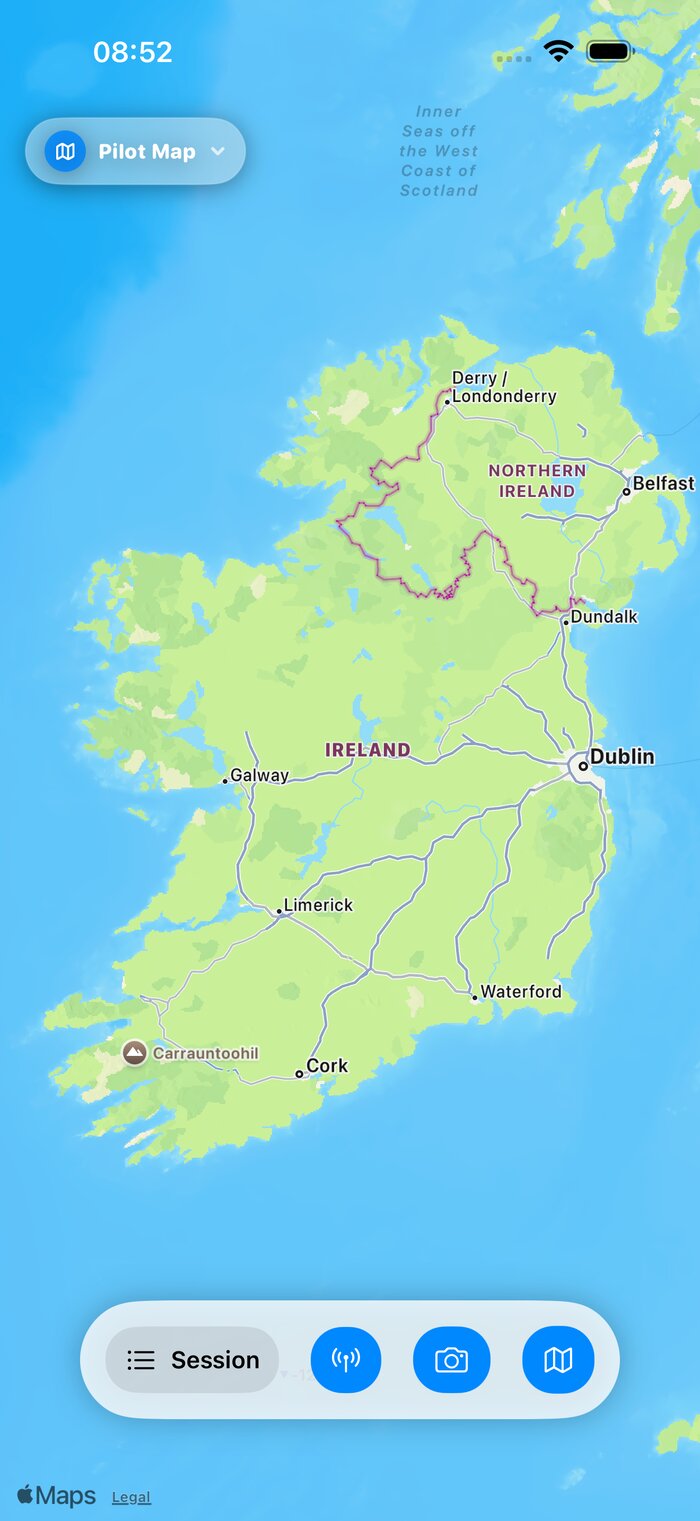
Pairs with every major flight simulator
Real MSFS panels, VATSIM live traffic, a phosphor-green radar, a route planner across 90,000 navaids and airports — all in a single universal SwiftUI app for iPhone, iPad and Mac.
Real Airbus and Boeing instrument panels rendered live alongside your sim — PFD, ND/MFD, EICAS, MCDU, FCU, SAI for the A320 Neo, 737 MAX, 747-8 and 787-10. SimConnect variables stream over UDP at ~10 Hz.
Toggle 1,300+ online VATSIM pilots onto the Pilot Map and Radar — orange aircraft icons with callsigns, refreshed every 15 seconds from the VATSIM v3 feed.
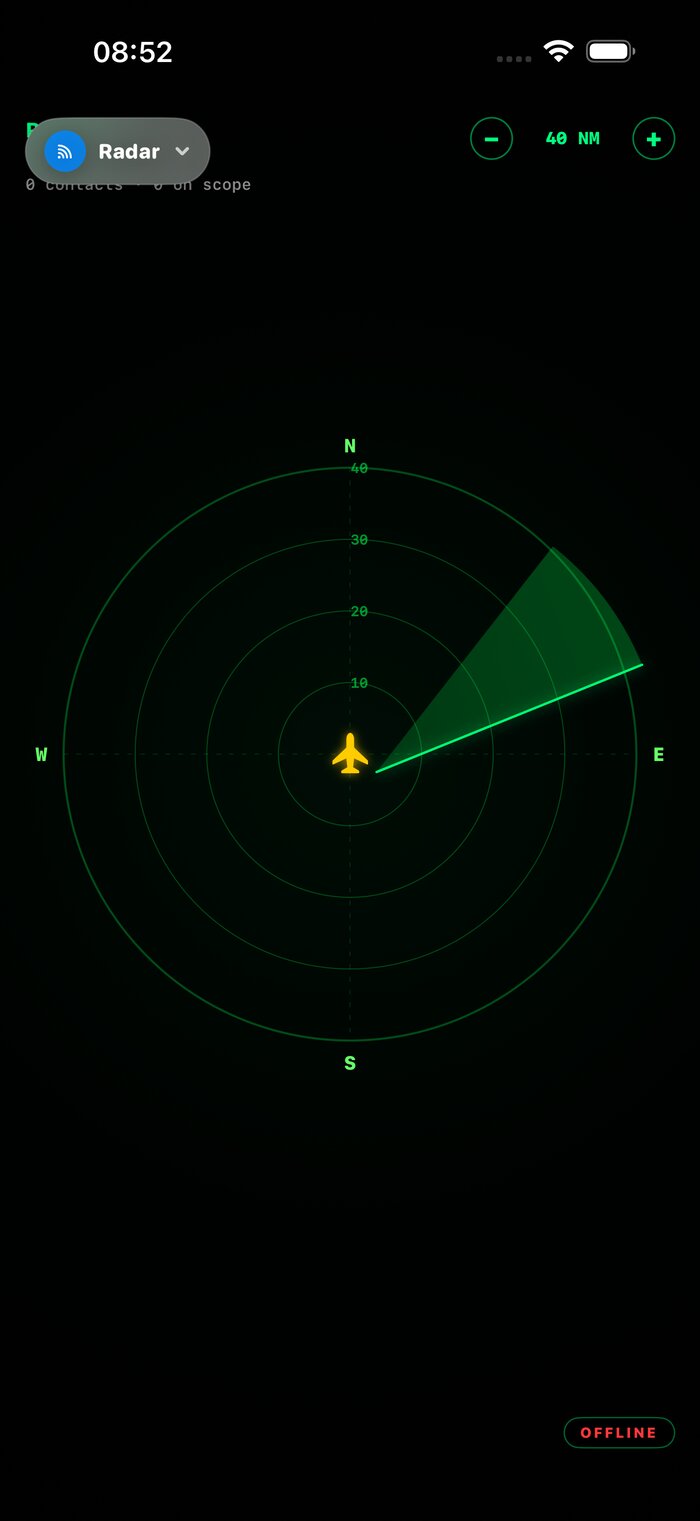
Phosphor-green CRT scope, track-up, range rings out to 640 NM. AI + VATSIM contacts as triangles oriented by heading, runways drawn for every airport in range, off-scope arrows.
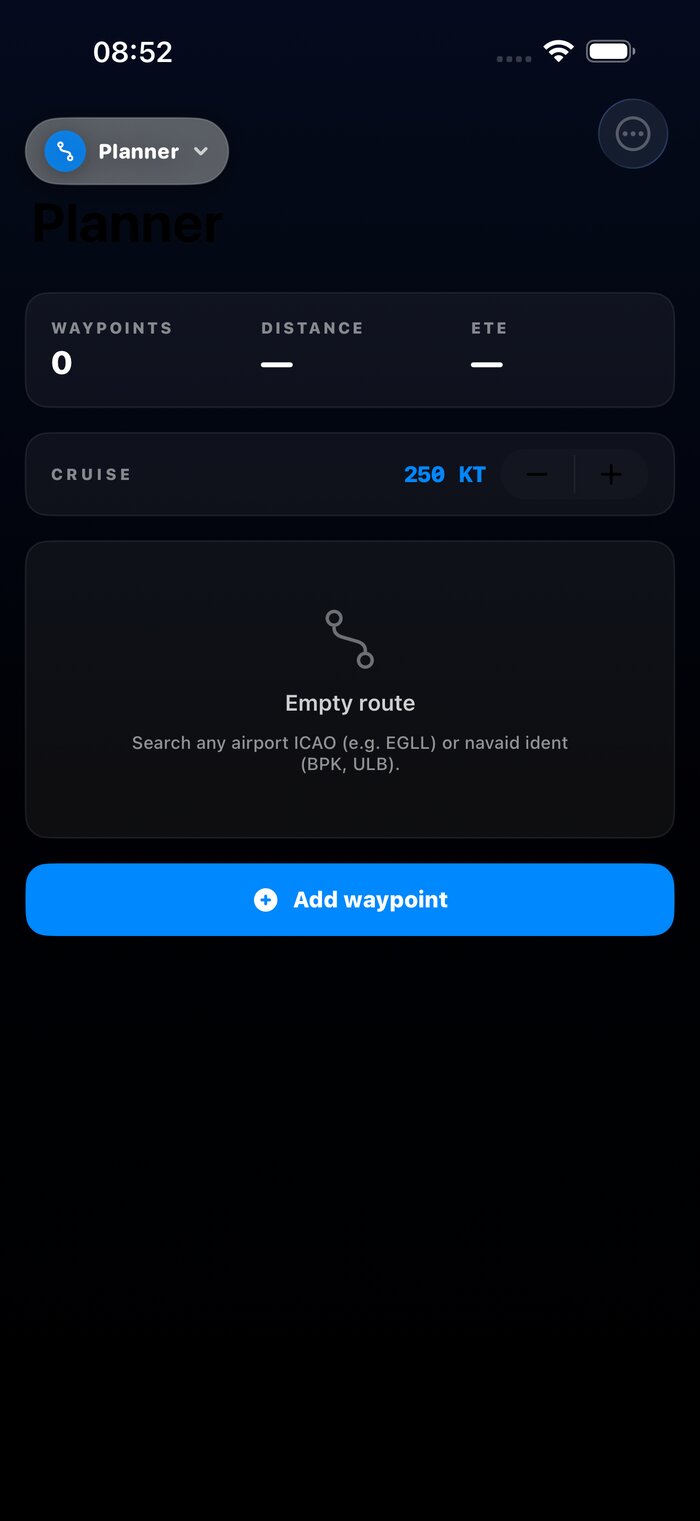
Search 11,000 navaids and 79,000 airports by ICAO or name. One tap auto-fills VOR/NDB waypoints between departure and arrival along the great-circle path.

Live weather from aviationweather.gov with on-device ML scanning for thunderstorms, freezing precipitation, wind shear and gust factor — surfaced as plain-English landing tips.

Real-time runway picker scored on headwind, crosswind, length and gust factor. Glideslope advisory with TOD, descent rate, target Vref and a 3D satellite preview of short final.
FSXFollow doesn't just mirror the sim — it adds real panels, real airline-grade FMS pages, and real-time situational awareness from the VATSIM network.
Real MSFS instrument panels render live in the app: Primary Flight Display, Navigation Display, EICAS, MCDU, FCU, SAI. The Airbus A320 MCDU includes six authentic FMS pages — INIT, F-PLN, PROG, PERF, RAD NAV, FUEL PRED — with live position, waypoint distance, ETE, course-to-steer and radio frequencies.
The Boeing fleet covers the 737 MAX, 747-8 and 787-10. On Mac, Cmd+1 through Cmd+9 switch between modes from the menu bar.
Toggle VATSIM live traffic on the Pilot Map and Radar to overlay every online VATSIM pilot — orange icons with callsigns, refreshed every 15 seconds straight from the VATSIM v3 feed.
The Radar is a phosphor-green CRT scope: track-up, range rings out to 640 NM, AI and VATSIM contacts as triangles oriented by heading, runways drawn for every airport on scope, and edge arrows for off-scope contacts.
No IP addresses. No LAN gymnastics. The session is internet-relayed, so you can track your flight from another room — or another country.
Get FSXFollow from the App Store on iPhone, iPad or Mac. One universal app covers all three.
MSFS, FSX, FS2004 or Prepar3D? Run our free Windows client. X-Plane 11/12? No extra software needed.
Start a flight, open FSXFollow on any Apple device, pick your session. Your aircraft is on the map.
In 2010, my girlfriend bought me an iPhone 3GS. The very first thing I did was search the App Store for a Microsoft Flight Simulator companion. There wasn't one — so I built it myself.
FSXFollow shipped that year as the first FSX flight tracker on iOS. Fifteen years later it's still going strong, now rebuilt from the ground up for MSFS 2024 — with live cockpit panels, VATSIM traffic, a real MCDU, and a route planner.
Add the second screen your simulator deserves.
Download on the App Store