 Photo · Alexandre Debiève / Unsplash
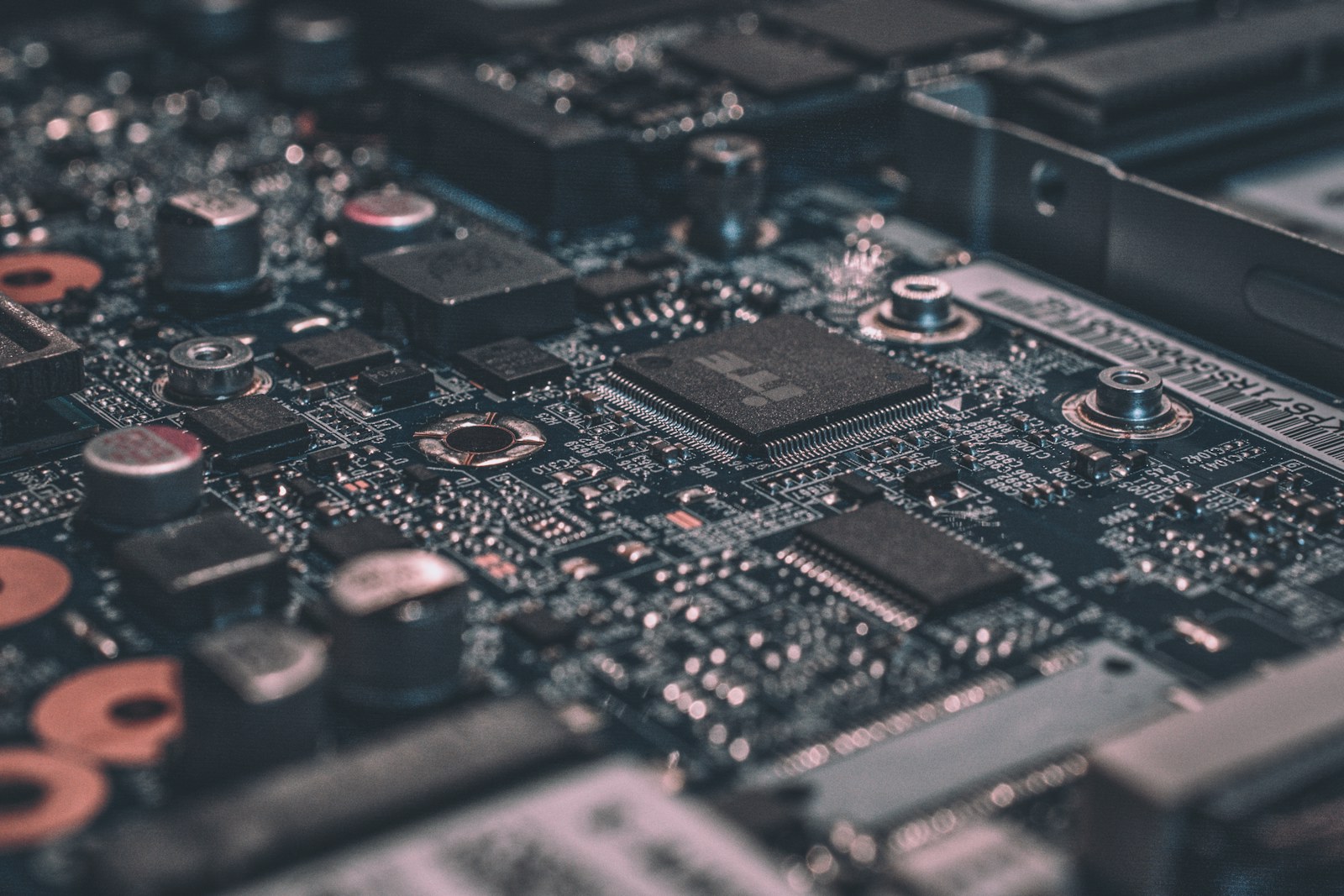
Until now we've drawn the chef, the pockets, the pantry, the cop — all as if they're floating in space. They are not. They live on a single rectangular slab of fibreglass and copper, the size of a paperback. The motherboard.
And here is a fact that does not feel real until you sit with it: light, in those copper traces, travels about 20 centimetres per nanosecond. Your CPU does its three or four billion operations per second. So in the time of one CPU cycle, light moves about seven centimetres. The chef cannot wait that long. Distance, on a motherboard, is not metaphorical. The reason your phone's chip layouts look like they were drawn by a control-freak architect is that the engineers were measuring centimetres against nanoseconds, and the centimetres were losing.
What's actually on the board
Pull the back off any computer and you'll find roughly the same six things, give or take, regardless of price or era:
- The CPU socket — a square pit with a thousand pin-holes, where the chef plugs in.
- RAM slots — a few long thin slots near the CPU, where the counter-tier bricks slide in.
- The chipset — a smaller chip nearby that handles all the slower-but-numerous I/O. Think "the cop's command tent".
- PCIe slots — the pluggable freeway entrances. GPUs, NVMe drives, network cards live here.
- Storage connectors — for SSDs and (in older machines) hard drives.
- The back panel — USB, HDMI, Ethernet, audio. Where the kitchen meets the loading dock.
And linking all of these are buses: bundles of parallel wires, each running data at carefully-engineered speeds. A modern motherboard has dozens of these lanes, each carrying tens of billions of bits per second, all of them keeping in time to a global clock signal. The whole assembly is a small, lit-up city, with the chef at the centre.
The two-tier highway system
Not all roads are equal. The motherboard has a clear hierarchy: fast roads near the CPU, slower roads near the slow stuff. The boundary used to be drawn explicitly between the "northbridge" (CPU + RAM + GPU — fast) and the "southbridge" (USB + audio + slow disks — slow). Modern designs have folded the northbridge into the CPU itself, but the two-tier philosophy is still there.
The thing nearest the chef is RAM. Then the GPU and the NVMe SSD, hanging off PCIe lanes that come straight out of the CPU. Then, demoted to a slower link, the chipset — and behind that everything that doesn't need bleeding-edge speed: USB devices, audio, ethernet, and slower SATA drives. The closer you sit to the CPU, the wider and faster your road. Want to add a new ultra-fast device? You're competing for one of the CPU's precious direct PCIe lanes.
The bandwidths you're paying for
Each generation of bus standard roughly doubles the previous one's bandwidth. Here's where the major roads sit, today, on a typical 2024-era machine:
| Bus | What it carries | Bandwidth | Distance |
|---|---|---|---|
| CPU ↔ L3 cache | internal | ~2 TB/s | millimetres |
| DDR5 RAM | CPU ↔ RAM modules | ~80 GB/s | ~5 cm |
| PCIe 5.0 x16 | CPU ↔ GPU | ~64 GB/s | ~10 cm |
| PCIe 5.0 x4 | CPU ↔ NVMe SSD | ~16 GB/s | ~10 cm |
| USB 4 / Thunderbolt 4 | CPU ↔ external device | ~5 GB/s | cable, < 2 m |
| Gigabit Ethernet | computer ↔ switch | ~125 MB/s | cable, < 100 m |
| Wi-Fi 6 | computer ↔ router | ~120 MB/s | a few rooms |
Look at the gap between RAM (80 GB/s, 5 cm away) and Ethernet (0.125 GB/s, across the room). Six hundred times slower, just by leaving the box. This is why "send the work to the data" is one of the dominant ideas of cloud computing — moving terabytes over the network is brutal compared to processing them where they already live.
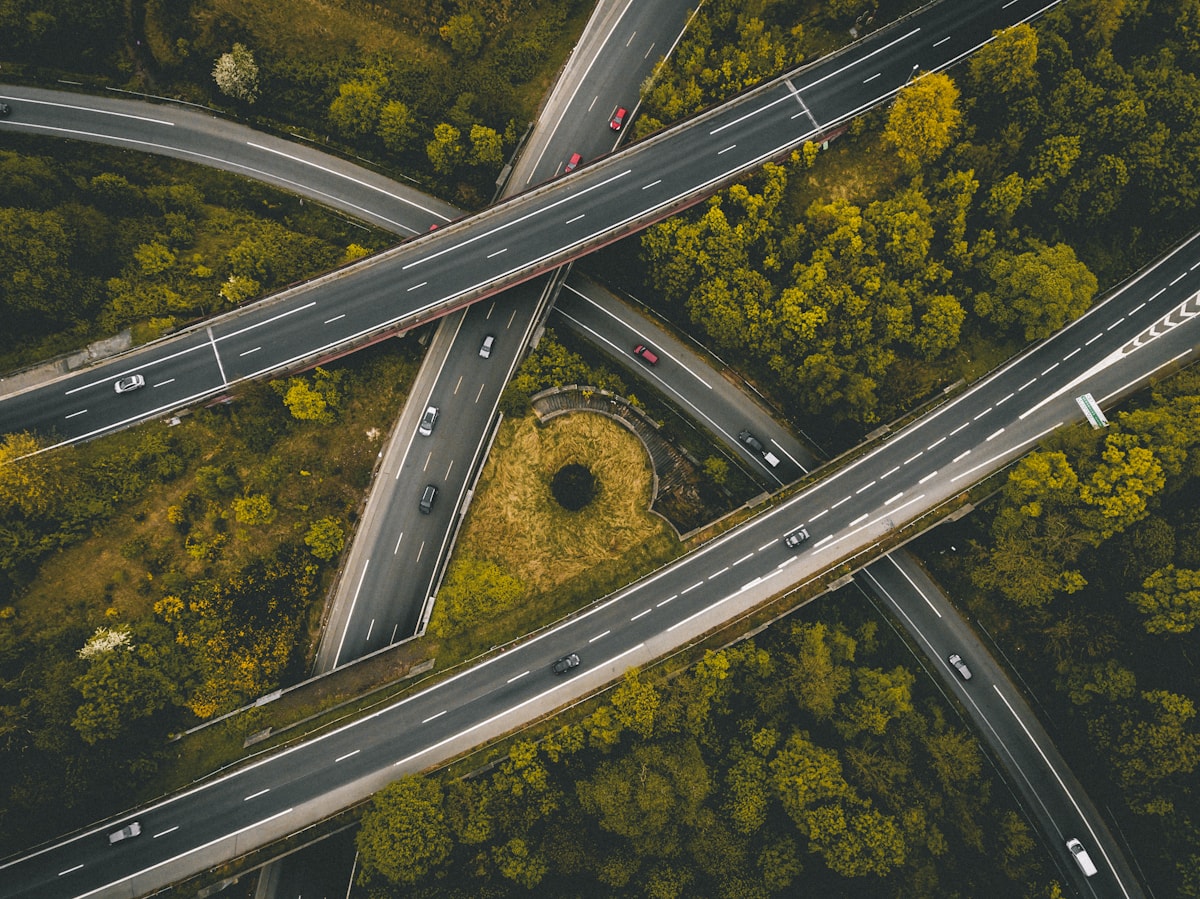 Photo · Ed 259 / Unsplash
A modern interchange — exactly the topology of a motherboard. Some roads are 16 lanes wide. Some are dirt tracks. The interesting design problem is which is which.
Why distance is the constraint
A modern signal travels at roughly two-thirds the speed of light in copper — about 20 cm per nanosecond. A 5 GHz CPU has only 200 picoseconds per cycle. In 200 picoseconds, light covers 4 centimetres.
The signal-integrity problem
If a wire is longer than ~4 cm, the bit you sent at the start of a cycle has not yet arrived at the other end when the next cycle begins.
If two parallel wires (a "bus") have even slightly different lengths, the bits arrive out of sync — at multi-gigahertz speeds, even a millimetre matters.
If a wire turns a corner too sharply, electromagnetic energy radiates out as noise — and the bit gets corrupted by its own reflections.
This is why motherboards look like circuit-board art. Those wavy zigzag traces? They're not stylistic. They're carefully length-matched: a longer "easy" route is detoured into a shorter, equal-length serpentine so all the bits in a parallel group arrive on the same cycle. The kitchen has speed limits, and the limits are imposed by the universe.
It's also why every successive generation of computer is more integrated, not less. Apple Silicon and the M-series chips bring the CPU, GPU, neural engine, and memory all into the same package, a single fingernail-sized slab. Distance: zero. Bandwidth: enormous. Power: tiny. The trade-off is that you can no longer upgrade your RAM. Apple decided that's a trade you'd accept. They were right.
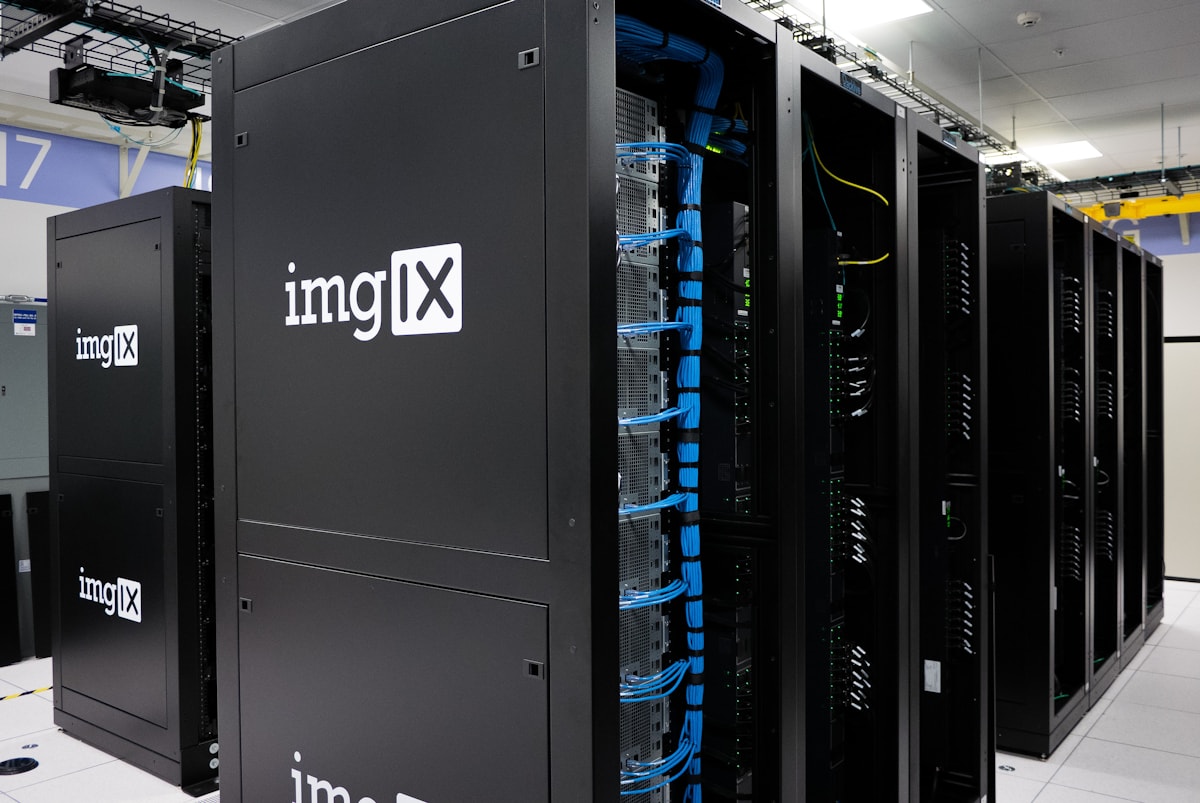 Photo · imgix / Unsplash
A single rack-mounted server is, basically, a flattened motherboard with longer wires. The same constraints, multiplied.
Why this matters for AI
Training a large model is a story about moving bytes. The math itself, on a modern GPU, is largely free — the chip can do quadrillions of multiplications per second. The question is always: can we get the data there fast enough?
This is why the GPU lives on a 16-lane direct PCIe bus to the CPU, not on the chipset. Why an NVMe drive lives on PCIe, not on a SATA cable. Why high-end AI clusters use NVLink between GPUs (~900 GB/s — a custom bus, not standard PCIe) and InfiniBand between machines. Why the entire data-centre industry is in a long, slow migration from "computers connected by network" to "huge motherboards across whole rooms".
The chef can multiply at the speed of light. But the chef still has to walk to fetch the next batch.
Every order of magnitude in performance, since 2010, has come from making something physically closer to something else.
Try it yourself
Look inside, even just on paper:
- macOS — open About This Mac → More Info → System Report. Scroll to "PCI" or "Hardware". You'll see every device hanging off the buses, with link speeds.
- Linux —
lspci -vvvshows every PCIe device, its lanes, and link speed.lsusb -tvdoes the same for USB. - Windows — Device Manager → View → "Devices by connection". You'll see the literal tree from the CPU outward.
- Open a teardown of the latest iPhone or M-series Mac on iFixit. Notice how everything is one chip, one PCB, no slots. That's the bandwidth/distance trade-off, settled.
What's next
You now know the chef, the kitchen, the catalogue, the cop, and the streets they live on. One last piece of foundation: how wide are the streets? Why do we still talk about "32-bit vs 64-bit"? And why does a 64-bit phone have, in some sense, more memory than the universe has atoms it could ever address?
Week 07 is 32-bit vs 64-bit — why the size of the road matters, in both addresses and arithmetic.
Photo credits
All photos are free under the Unsplash license. Motherboard · Alexandre Debiève · Highway · Ed 259 · Server · imgix. Topology diagram and bandwidth table are inline SVG / CSS.
Quick check
1. A 'bus' inside a computer is…
Reveal Answer
Answer: B. Address bus, data bus, control bus. The motherboard is mostly a network of buses.
2. Why do GPUs typically use their own dedicated VRAM instead of system RAM?
Reveal Answer
Answer: A. Modern GPUs read hundreds of GB/s. PCIe to system RAM is a fraction of that — you'd starve the GPU.
3. PCIe is…
Reveal Answer
Answer: B. PCIe is what your GPU and NVMe drive plug into. It's been the dominant expansion standard for two decades.