 Photo · Johnathan Macedo / Unsplash
Right now, in your pocket, there's a kitchen.
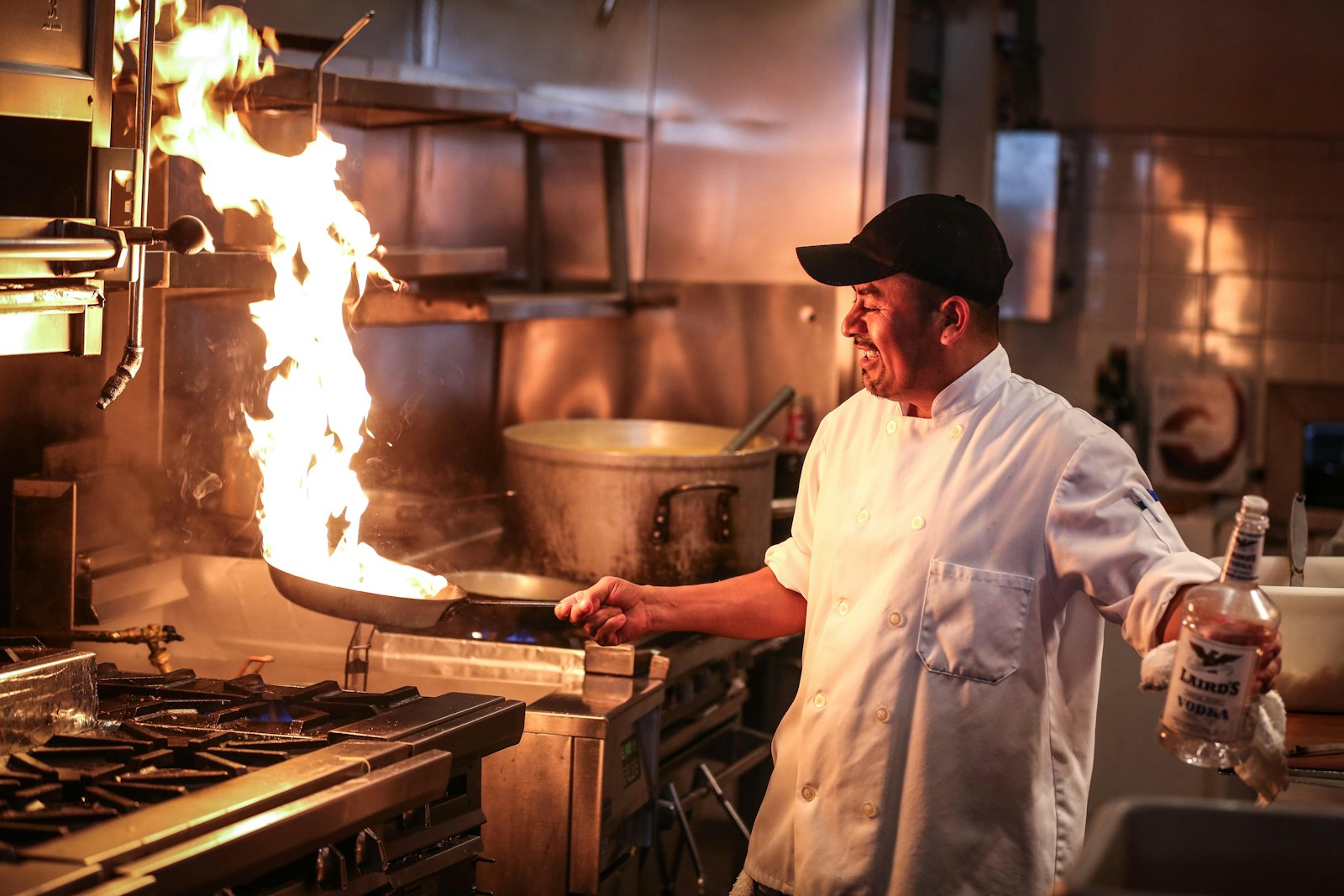
A chef is reading a recipe — fast, focused, doing one thing at a time. There's a counter where the ingredients in active use are laid out. Behind the chef, a pantry holds everything else: every dish ever cooked, every recipe ever filed, every ingredient that hasn't been brought out yet.
This kitchen has been there since 1945. We've changed the menu — accounting, then word processing, then video games, the web, social media, and now AI. The kitchen itself has barely changed. Once you can see it, you can never unsee it. And once you can see it, every confusing thing about computers becomes obvious.
Meet the Trinity
Three things, working together. Everything else in this course — every line of C, every algorithm, every AI model — is built on top of these three.
The Chef
CPU
Reads instructions. Runs them. Nothing else. Tireless, narrowly skilled, breathtakingly fast.
- Speed~3–5 GHz
- Cores4–24
- Volatile?n/a — it's the worker
The Counter
RAM
Holds the ingredients in active use right now. Wiped clean every time you reboot. Small but extremely fast.
- Capacity8–64 GB
- Access~100 ns
- Volatile?Yes — gone on reboot
The Pantry
Storage
Holds every file, every app, every photo, every recipe — forever, even with the power off. Vast, but slow.
- Capacity256 GB – 8 TB
- Access (SSD)~100,000 ns
- Volatile?No — survives reboots
The chef cannot cook directly from the pantry. Walking back and forth would be murderously slow. Instead, the chef brings ingredients to the counter first, cooks from the counter, and only goes back to the pantry when something new is needed. This single fact — that there's a fast-but-tiny tier next to the chef and a slow-but-huge tier behind — drives almost every interesting design decision in software.
Why speed becomes everything
Look at how long each layer takes to reach. The numbers below are order-of-magnitude — different machines vary, but the ratios are roughly fixed across all of computing history.
(Bars are clamped at the RAM scale — past that, drawing them to scale would burst the page.)
If 1 nanosecond were 1 second…
- L1 cache — 1 second. (You're already there.)
- RAM — about 1½ minutes.
- SSD — about 28 hours. A day to walk to the pantry.
- Spinning HDD — about 4 months. A whole season.
Every Big-O argument, every cache-friendly data structure, every database index, every "why is this slow?" — all downstream of this one chart.
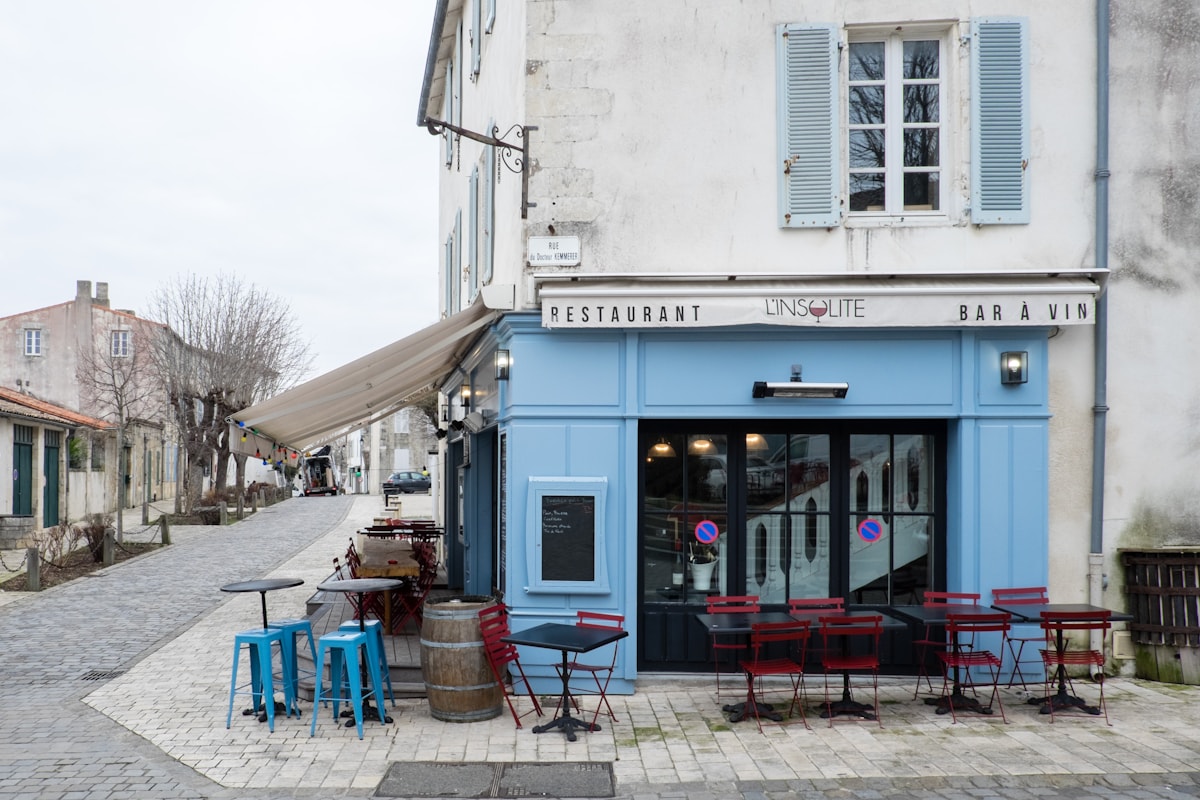 Photo · Pierre Jarry / Unsplash
RAM is the counter — small, expensive, and right next to the chef. Everything you're actively cooking is here.
A program is just a recipe
What actually happens, second by second, when you tap the Safari icon? The whole sequence is a kitchen running an order:
- Order arrives. You tap the Safari icon. The OS — the kitchen's maître d' — tells the chef there's a new ticket.
- Recipe pulled from the pantry. The OS reads
Safari.appfrom the SSD into RAM. This is the slow part of any program launch — pantry latency. - Mise en place. The recipe and the data it needs go on the counter (RAM). The bits being touched right now get pulled even closer — into the chef's hands (L1/L2 cache).
- Cook. The chef executes one instruction at a time. Decode, execute, write the result back. Decode, execute, write. Billions of times a second.
- Plate. The result hits the screen. (How that actually works lives in Week 8 — the GPU.)
- Cleanup. When you quit Safari, the counter is wiped. The pantry still has the recipe for next time.
Every program — Python notebook, Chrome tab, AI inference, video game, web server — is a chef cooking from this same kitchen. The recipes get fancier over the weeks. The kitchen doesn't.
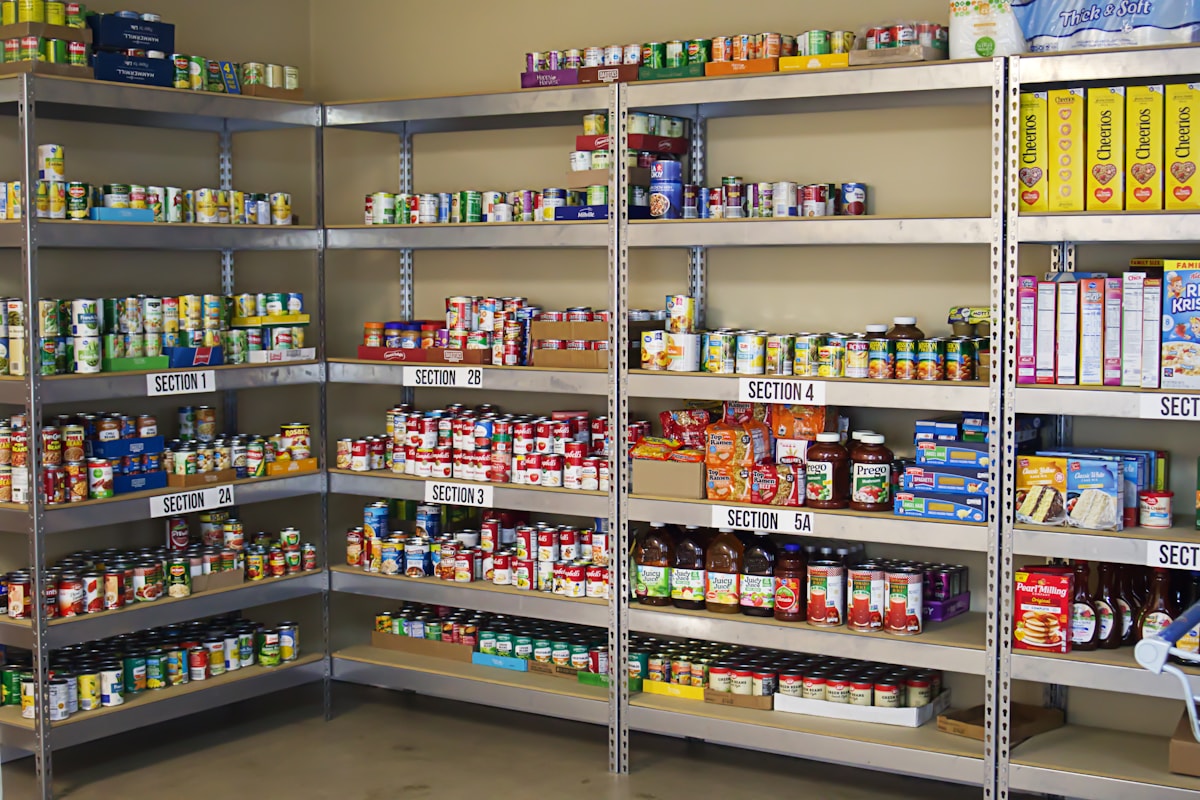 Photo · Jacob McGowin / Unsplash
Storage is the pantry — vast, persistent, slow to walk to. Everything not currently being cooked lives here.
What happens when the counter is full
Open Chrome. Open thirty tabs. Watch your machine slow to a crawl.
What you're seeing is the counter overflowing. When RAM fills up, the OS shoves the least-recently-used ingredients back into the pantry — into a region of the SSD called swap. The next time the chef needs them, it's a 100,000 ns walk, not a 100 ns reach. Your machine doesn't get "tired"; it's just waiting on the pantry.
This is also why "more RAM" feels like a free speed boost. You haven't made the chef faster. You've made the counter bigger so the chef stops walking to the pantry.
Try it yourself
Look at your own kitchen, right now:
- macOS — open Spotlight (⌘ Space), type "Activity Monitor", hit return. Click the CPU tab to watch the chef. Click the Memory tab to watch the counter.
- Windows — press Ctrl+Shift+Esc to open Task Manager. Same view: CPU, Memory, and tucked further in, Disk — the pantry.
Each row is a chef working a different ticket. Some are CPU-heavy (chopping). Some are memory-heavy (lots of ingredients on the counter). Some are I/O-heavy (running back and forth to the pantry). Every performance question you'll ever ask boils down to: which one is the bottleneck?
What's next
You now have the kitchen. Next week we walk one floor deeper, into the chef's brain — and discover that "reading an instruction" is, secretly, just flipping switches with light.
Week 02 is The Language of Light — electricity, transistors, and binary. Why the entire 80-year history of computing rests on a single, almost embarrassingly simple idea.
Photo credits
All photos are free under the Unsplash license. Chef · Johnathan Macedo · Counter · Pierre Jarry · Pantry · Jacob McGowin. Trinity card illustrations are inline SVG.